 OneShot
Record vertical + horizontal
video at once
Portrait (9:16) and landscape (16:9) from a single take. No re-recording. No cropping. Just one shot, two videos.
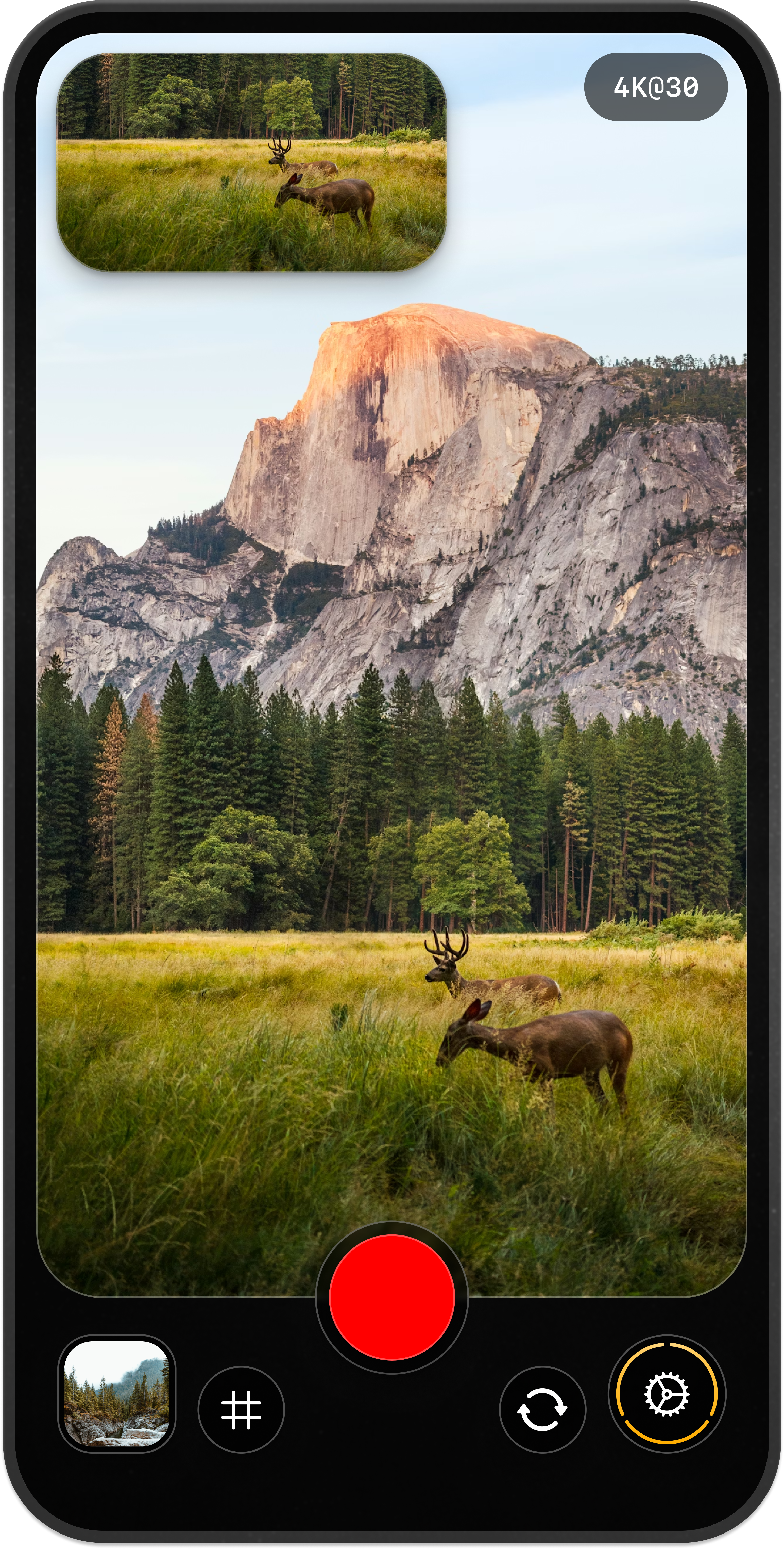
You shouldn’t have to choose between TikTok and YouTube
Short form primarily uses vertical, while long-form uses horizontal format. So you record twice, and spend hours cropping and re-framing your content.
OneShot Cam fixes this.


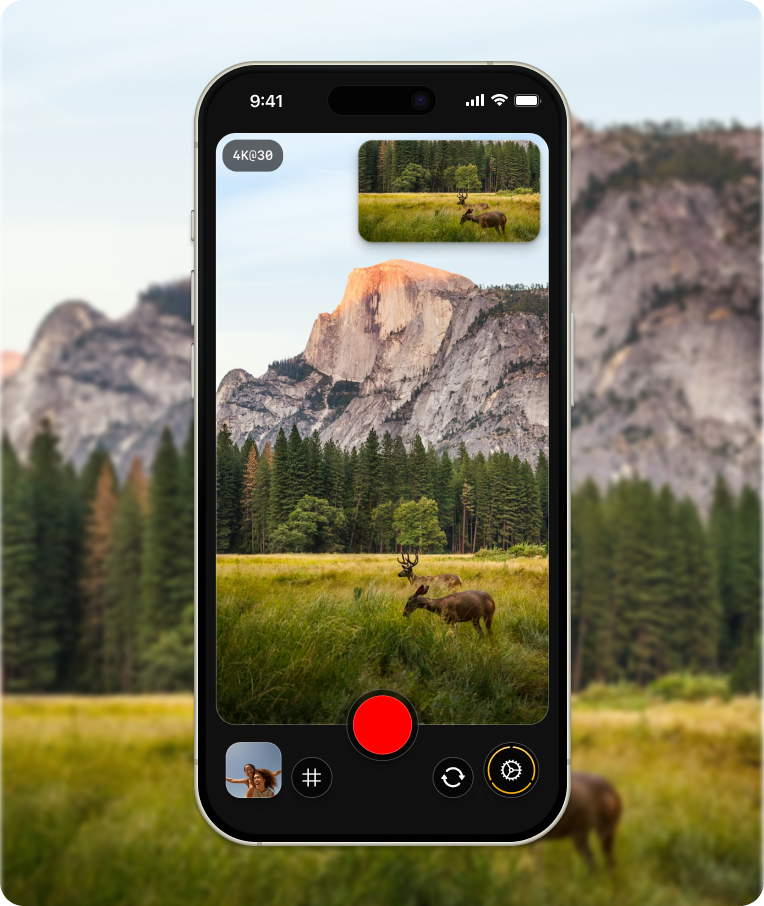
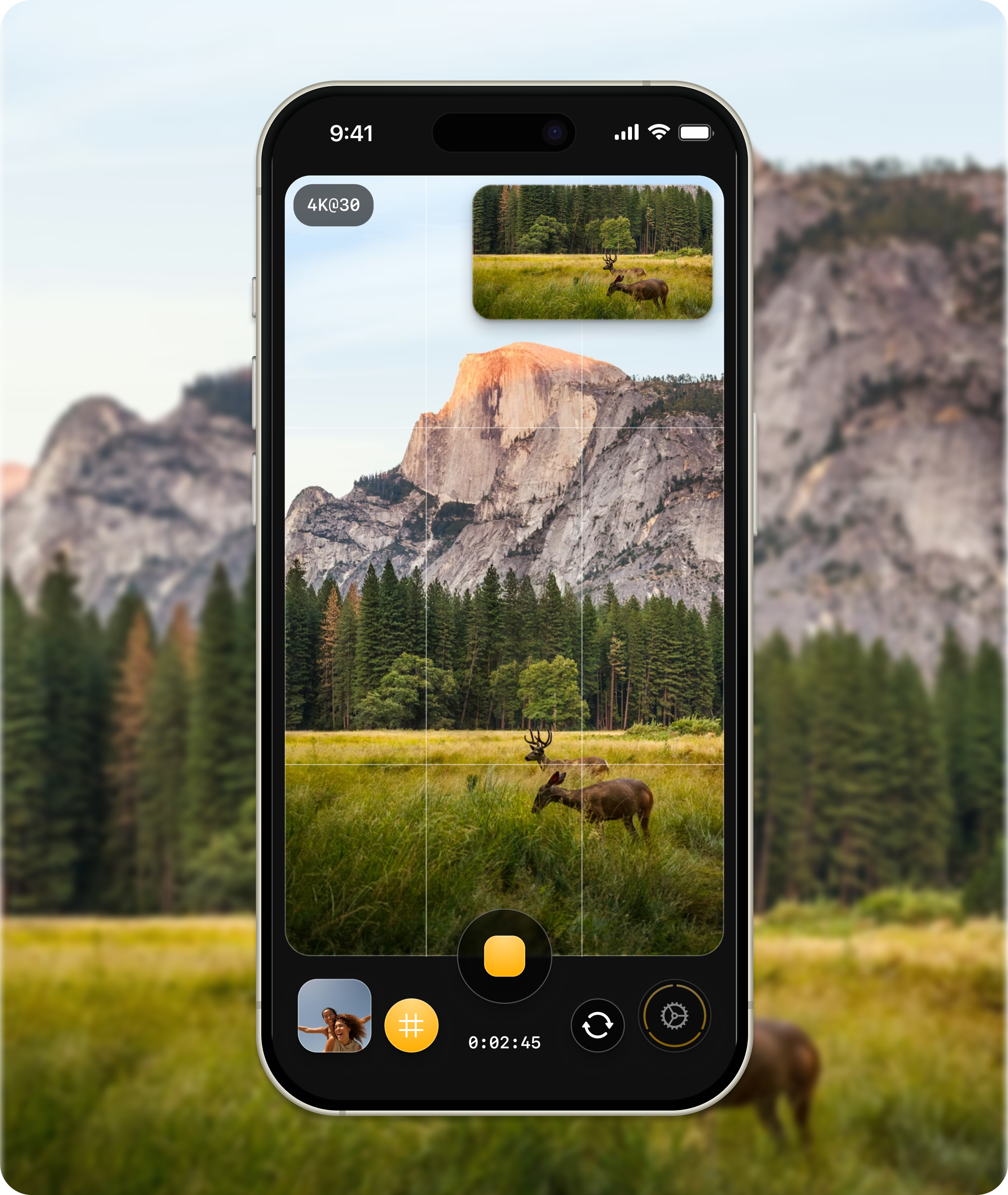
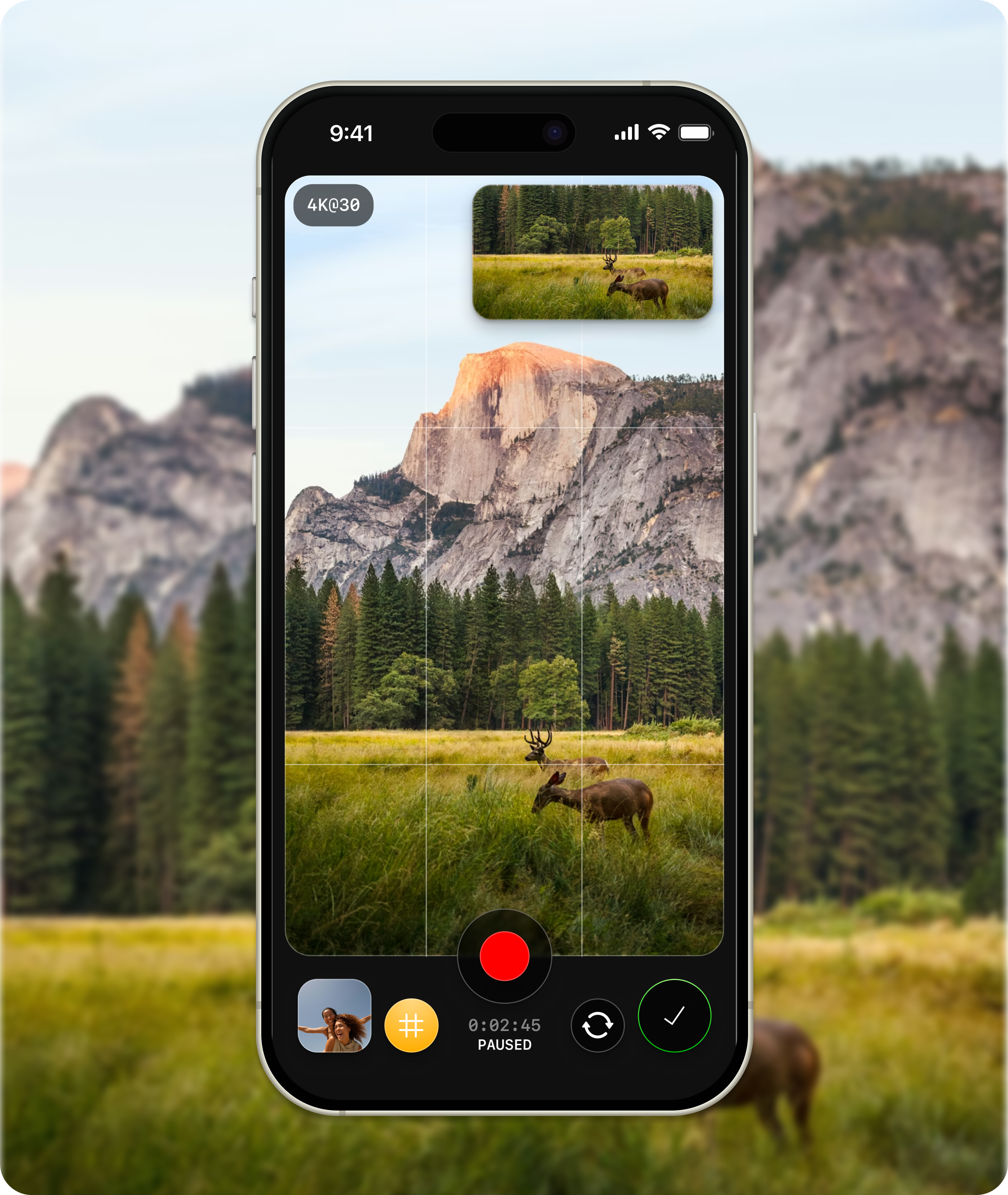
Record once.
Export both formats.
Everything you need.
Nothing you don't.
Dual lens recording
Both rear cameras record portrait and landscape simultaneously. Each gets its own dedicated lens for full-resolution output.
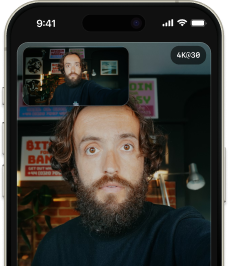
Flip while you record
Rear camera switches to selfie in one video. No need to stitch.
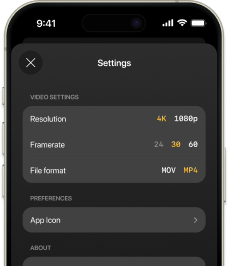
4K@30fps
High quality videos for your professional and social contents.
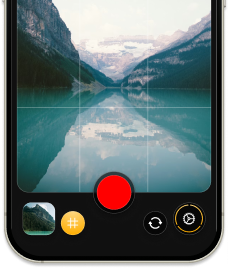
Dual framing with grids
Frame and preview what both videos will look like.
MOV or MP4 format options
Export in whichever format your workflow needs.
Built for creators who post on more than one platform.
Content creators
One take, both formats, straight to your camera roll for your TikTok, YouTube, and Instagram posts.
Coaches and educators
Vertical and horizontal formats, for your quick tips and longer lesson needs all at once.
Marketers and founders
Content-ready exports for your product demos, launch videos, and behind-the-scenes content.
OneShot Cam is built by Tomorrow Studio, the team behind Boom, the Mac screen recorder for creators. Same philosophy: what you see is what you record. No editing required.
Questions? Answers.
How is this different from cropping in an editing app?
Cropping means recording once, opening an editing app, reframing, re-exporting, and hoping it looks right. That's 15-30 minutes per video. OneShot skips all of that. You record once and both videos are ready to post immediately. No editing app. No extra steps. No time wasted.
Does the front-facing camera work?
Yes. OneShot supports front-facing camera recording in single lens mode. You get both vertical and horizontal outputs from one lens, so selfie videos, vlogs, and talking head content are all covered.
Does it work on my iPhone?
OneShot works on all iPhones with dual rear cameras (iPhone XS and newer). iPhones with a single rear camera are also supported using single lens mode. If your iPhone can record video, OneShot can give you both formats.
Are the two videos perfectly synced?
Yes. Both videos start and stop at exactly the same moment. The audio is identical across both files. Upload one to TikTok and the other to YouTube and they'll match frame for frame.
What formats and resolutions are supported?
4K at 24 or 30 fps, and 1080p at up to 60 fps. Export as MOV or MP4. Both outputs share the same color profile so your footage looks consistent across platforms.
Stop recording twice.
Download OneShot Cam. Record once. Post to TikTok, YouTube, Instagram, LinkedIn, and anywhere else. One take, both formats, no editing.